
Calendar and lesson notes
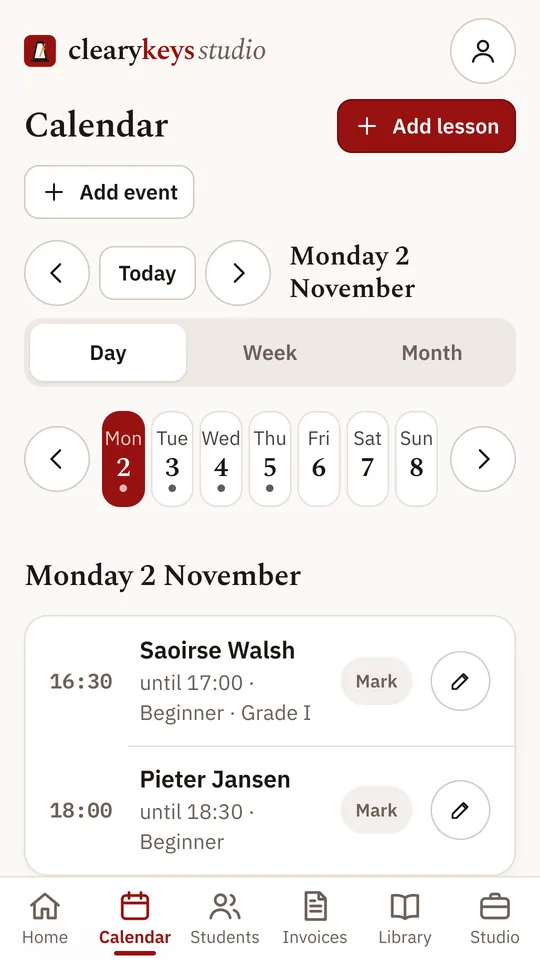
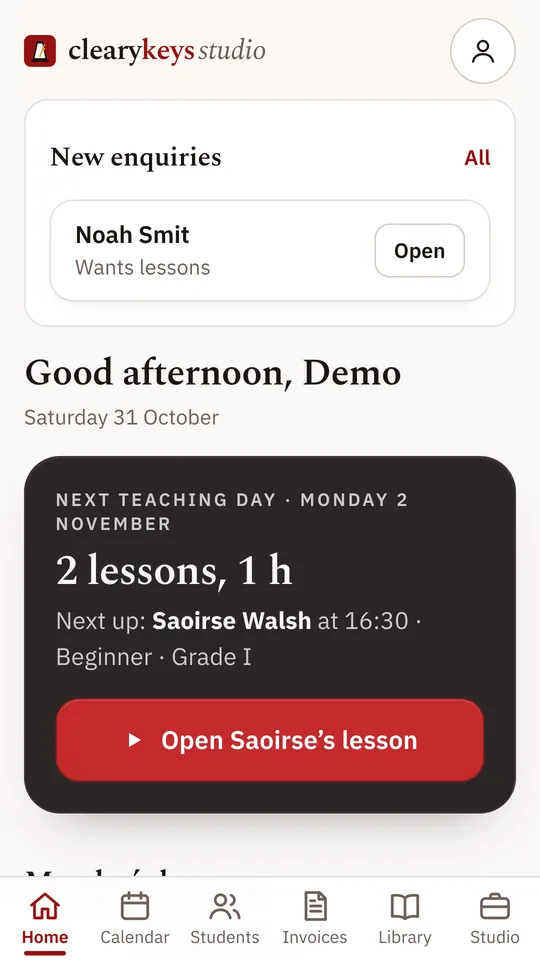
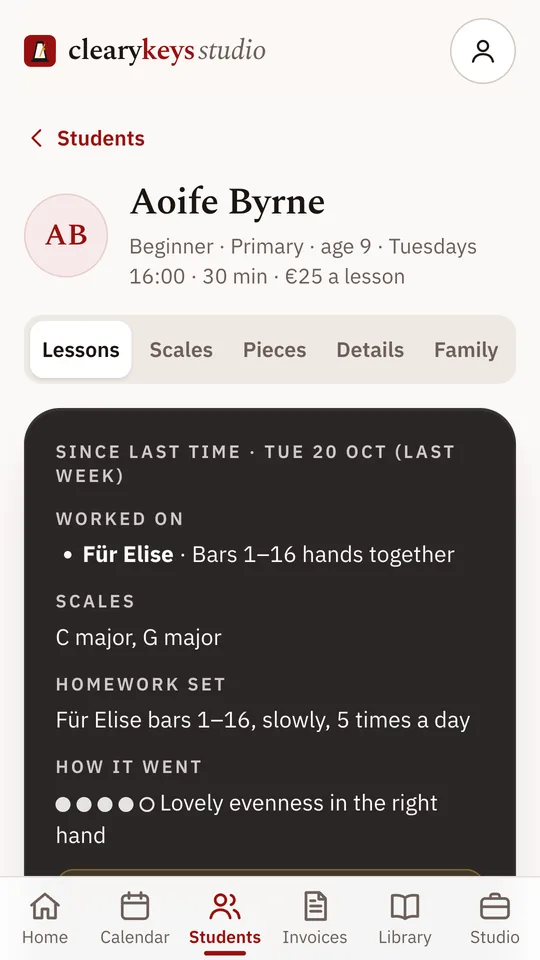
Your week of lessons, with the next one on the home screen. Open a lesson to note what you worked on and the homework you set. A week later, those notes are waiting when the student comes back.

Cleary Keys Studio, for piano teachers
Cleary Keys Studio keeps your lessons and the paperwork that comes with them in one place, and gives each family a page of its own.
The demo opens with example students. Nothing you do in it is saved.
What it does
Your week of lessons, with the next one on the home screen. Open a lesson to note what you worked on and the homework you set. A week later, those notes are waiting when the student comes back.
Set your make-up policy once, with the notice a family must give and when credits run out. When a lesson is cancelled, Studio applies your rules and adds a credit if one is due. A make-up lesson then uses it up.
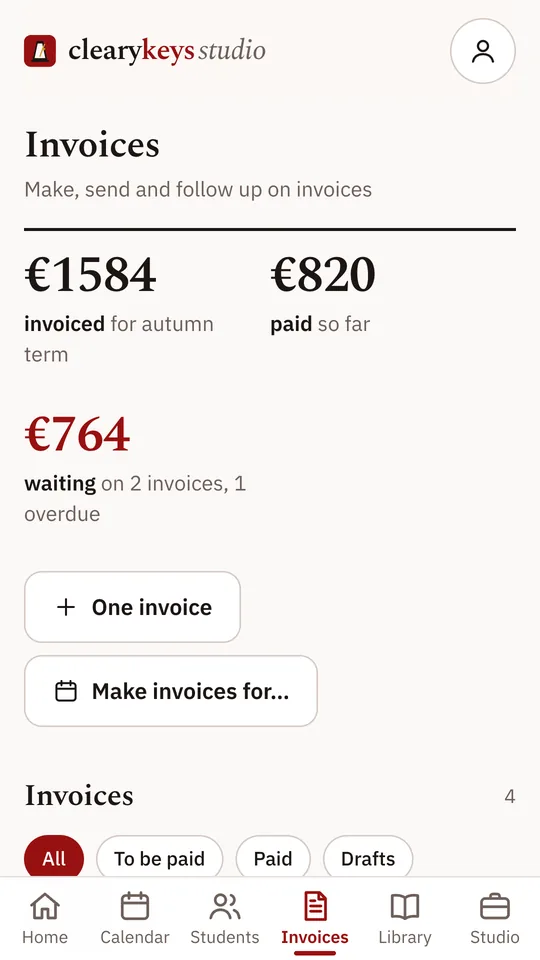
Make the term’s invoices, or the month’s, in one go. Each invoice has its own payment page, so a family can pay by iDEAL in a few taps, and you can see at a glance who has paid.
Turn on a family page and parents can see the next lessons and this week’s homework. From there they can tell you they can’t come, book a make-up lesson or log practice, and you see it in the app.
The demo is a studio full of example students to click around in. When you want to start your own, sign in with Google.
How Studio handles your data, and your students’ data, is set out in its privacy policy.